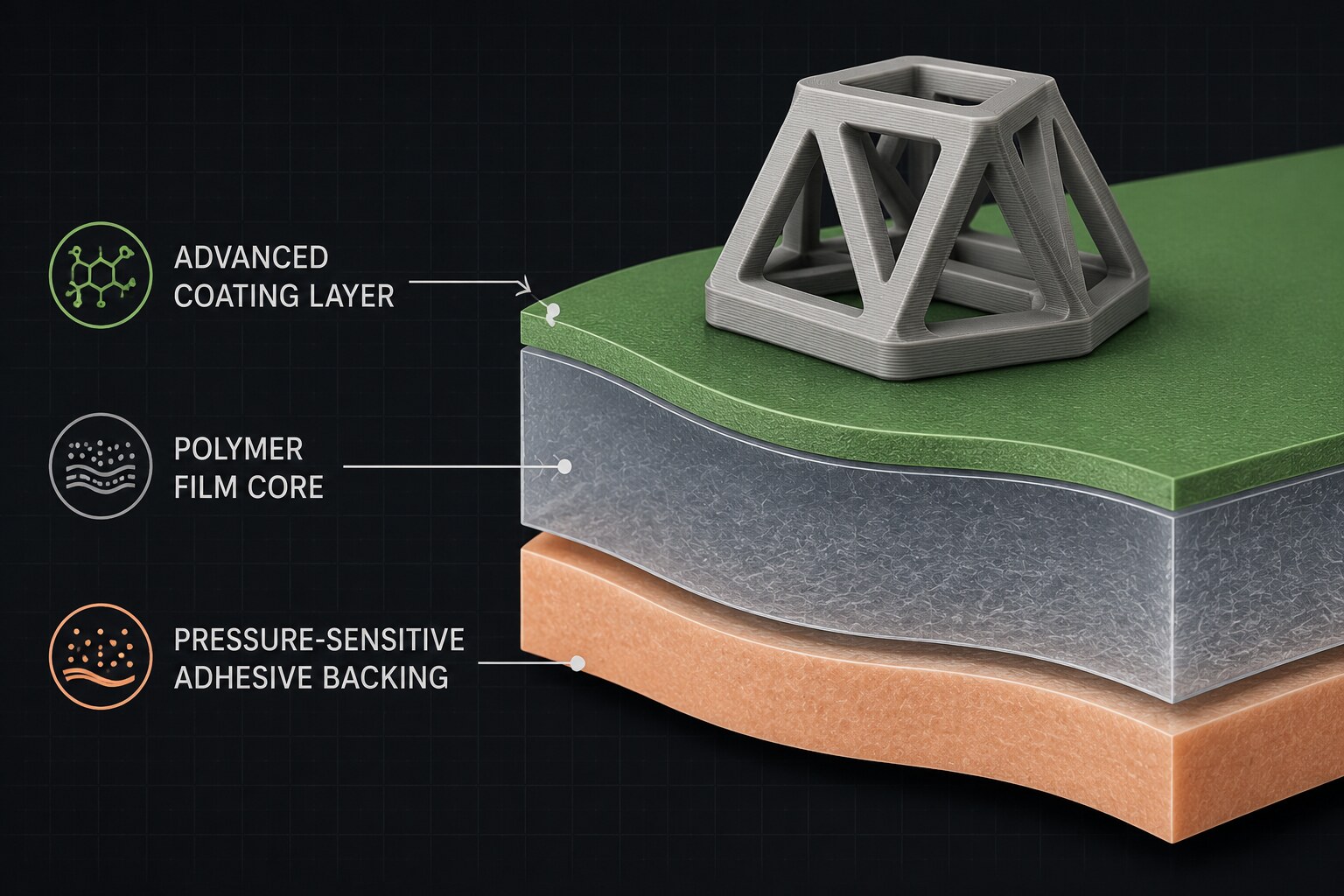
EZ-Stik isn't magic — it's a three-layer polymer film with a coating chemistry tuned to the exact temperature window of FDM 3D printing.
The top coating handles adhesion. The polymer core gives the film its thermal stability and mechanical strength. The pressure-sensitive backing keeps it flat against your bed.
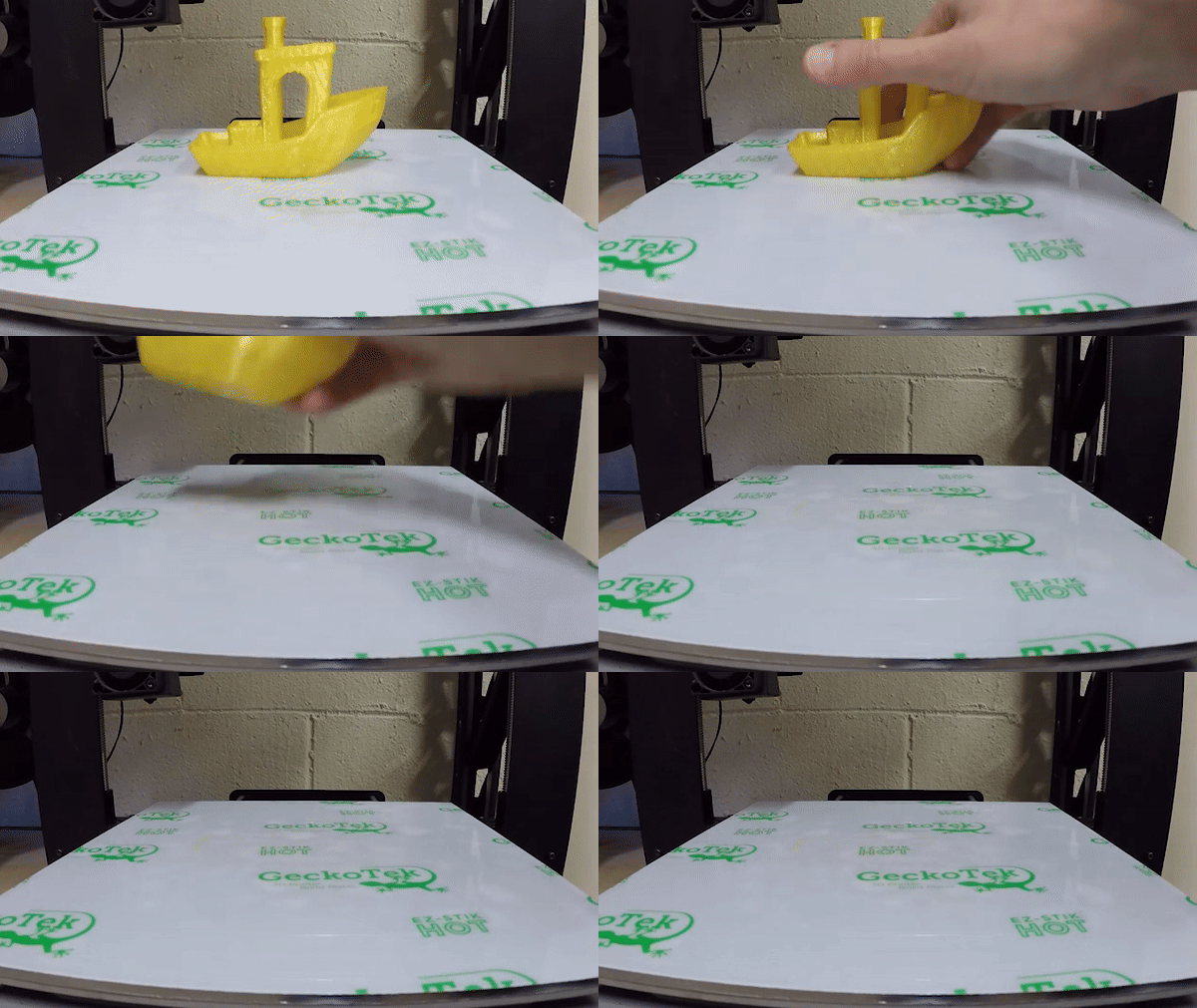
The trick is in how the top coating changes properties with temperature — bonding aggressively at print temp, then losing grip as the film cools.
Proprietary surface chemistry. Grips your print like a vice at print temperature, then loses adhesion as it cools.
High-temperature polymer base. Stable at 230 °C+, thin enough to trim with household scissors.
Peel-and-stick backing. Applies bubble-free to glass, aluminum, and textured steel beds.
Field-tested settings from a decade of customer reports. Treat these as starting points; tune to your filament and printer.
| Filament | Bed | Nozzle |
|---|---|---|
| ABS | 100–110 °C | 230 °C |
| PLA | 50–60 °C | 200 °C |
| PETG / PETT | 70–80 °C | 230 °C |
| Nylon | 30–50 °C | 230 °C* |
| Flexibles | 50 °C | 230 °C |
* For Nylon, do not exceed 240 °C on the first layer.
| Filament | Bed | Nozzle |
|---|---|---|
| PLA | Ambient | 210 °C |
| Flexibles | Ambient | 200–220 °C |
| Wood / Brick | Ambient | 200–230 °C |
Perfect for entry-level printers without heated beds and for classroom fleets.
Isopropyl alcohol. Clean cloth. Let it dry.
Measure your build plate. Cut the EZ-Stik with household scissors.
Peel the backing in one piece. Lay the film flat. Smooth from the center out — bubbles push easily to the edges.
Use our recommended temps. Wait for the bed to cool before removing parts. Wipe with IPA every 5–10 prints.
We've answered every question you might have about temps, materials, lifespan, install, removal — and the chemistry behind the film.